If you use a MacBook, there are some very strong alternatives:
1. Termius
Beautiful interface similar to Bitvise
Manage multiple VPS/servers
Support SFTP, Port Forwarding 🌿
Sync between Mac, Windows, iPhone
2. iTerm2
Mac Dev and SysAdmin people use it a lot
SSH directly from the terminal
Tabs and split screen are very convenient
3. Tabby
Free, open source
Modern interface
Considered by the community as one of the alternatives to Bitvise on macOS
4. OpenSSH is available in macOS
ssh root@ip-server
Upload files:
scp file.zip root@ip-server:/root/
If your goal is to be most similar to Bitvise with a drag-and-drop SFTP file interface + multiple server management, then I rate Termius as the closest on MacBook 💖🍀
#Bitvise #MacBook #SSH #Termius #iTerm2 #VPS #Server #QuanTriServer #CongNghe 🌿🤔💖
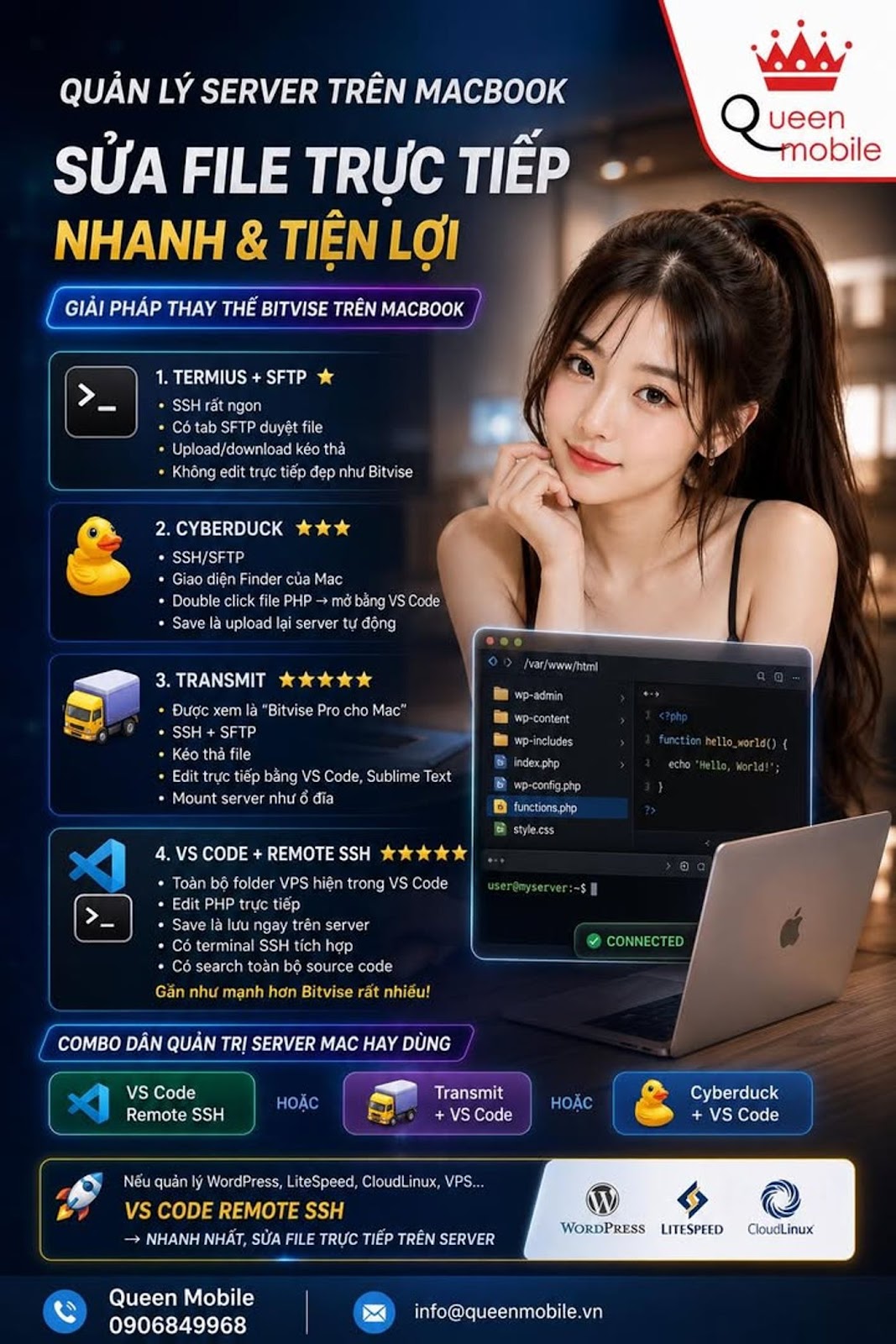
If you like the Bitvise style where the left is the computer folder, the right is the VPS folder and edit files directly, then on MacBook you should use:
1. Termius + SFTP ⭐
* SSH is delicious
* There is an SFTP file browsing tab
* Drag and drop upload/download
* But does not edit files directly as beautifully as Bitvise
2. Cyberduck ⭐⭐⭐
* SSH/SFTP
* Mac Finder interface
* Double click the PHP file → open with VS Code
* Save is to re-upload to the server automatically
3. Transmit ⭐⭐⭐⭐⭐
* Considered “Bitvise Pro for Mac”
* SSH + SFTP
* Drag and drop files
* Edit directly with VS Code, Sublime Text
* Mount the server as a drive
4. VS Code + Remote SSH ⭐⭐⭐⭐⭐ (I recommend)
Install:
* VS Code
* Extension “Remote - SSH”
Afterward:
Host myserver
HostName 1.2.3.4
User root
Click Connect
At this time:
* All VPS folders appear in VS Code
* Edit PHP trực tiếp
* Save là lưu ngay trên server
* Có terminal SSH tích hợp
* Có search toàn bộ source code
Gần như mạnh hơn Bitvise rất nhiều 🤔
Combo dân quản trị server Mac hay dùng
✅ VS Code Remote SSH
hoặc
✅ Transmit + VS Code
hoặc
✅ Cyberduck + VS Code
Nếu đang quản lý WordPress, LiteSpeed, CloudLinux, VPS như bên bạn thì mình chọn:
VS Code Remote SSH → nhanh nhất, sửa file trực tiếp trên server, không cần upload/download nữa 💖🍀
#MacBook #SSH #VSCode #RemoteSSH #Bitvise #Cyberduck #Transmit #VPS #WordPress #LiteSpeed #CloudLinux #ServerManagement