#iPhone #5G #Apple #iOS #MangDiDong #Viettel #Mobifone #Vinaphone #CongNghe #TimKiemTop
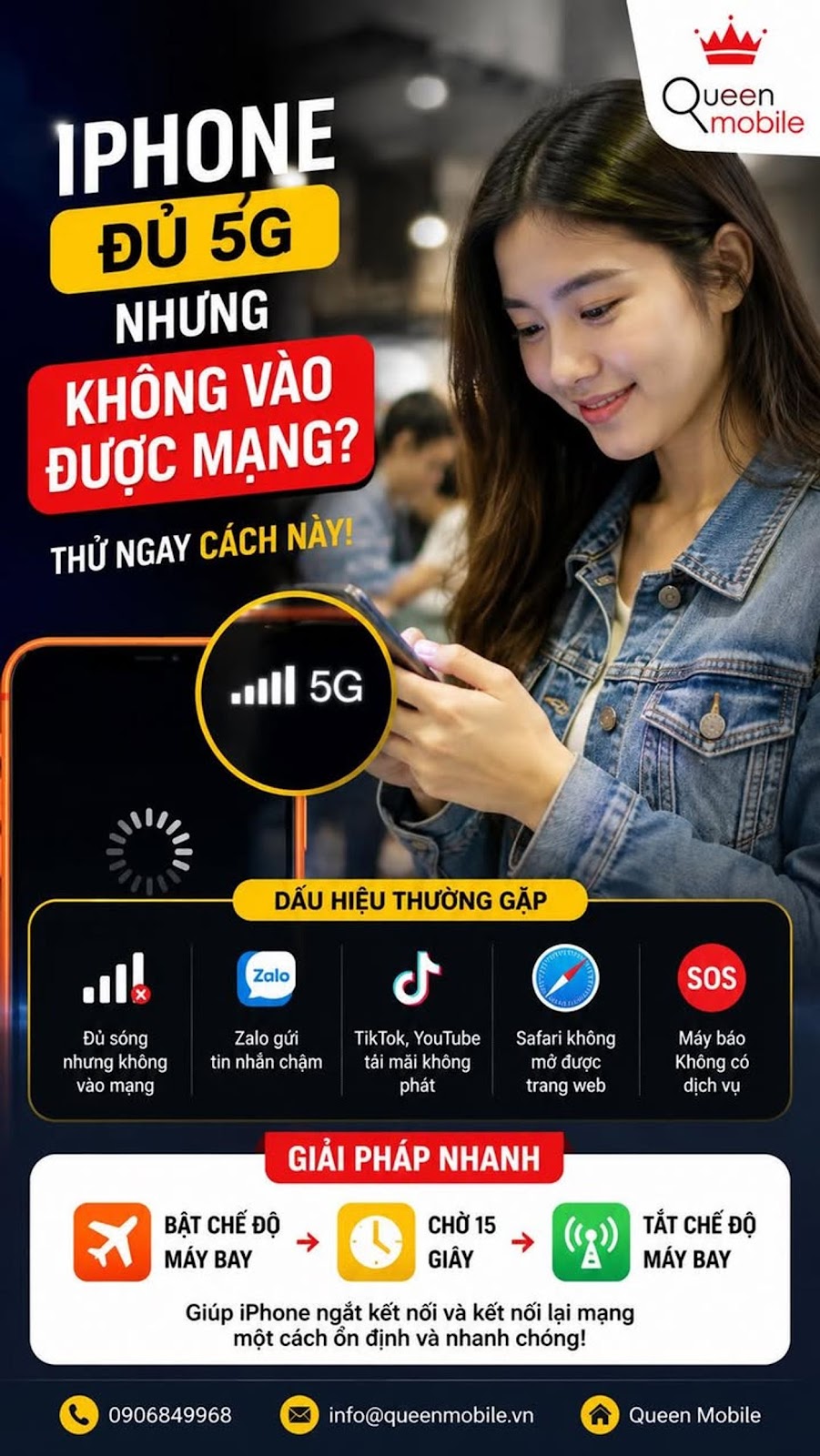
Have you ever encountered a situation where your iPhone shows all 5G signal waves but Facebook, Zalo, TikTok and YouTube all freeze, while the person next to you is still running smoothly?
Many iPhone users often think that when the device shows full 5G signal, the internet connection is definitely working normally. However, the reality is completely different. There are many cases where the iPhone displays a strong signal but mobile data is interrupted, causing messages to fail to be sent, videos to download and websites to cycle continuously.
It is worth noting that this error does not necessarily come from the iPhone hardware or the iOS operating system. In many cases, the cause lies in the connection process between the device and the carrier's network.
Identification signs
Phenomenon Popularity
4G or 5G available but not online. Very popular
Zalo sends messages slowly Common
TikTok or YouTube takes forever to load and won't play Common
Safari fails to open Common web pages
The machine reports No Service Randomly Less common
The fastest way to handle it
Turn on Airplane mode
✔ Turn on airplane mode for about 15 seconds
✔ Turn off airplane mode
✔ Wait for iPhone to re-register to the network
This operation helps the device completely disconnect from the current broadcasting station and automatically reconnect to the nearest BTS station.
Many technicians say this is the simplest but most effective way to handle data connection errorstemporary effect.
The effectiveness of each method
Solution Likelihood of success
Toggle High flight mode on and off
Restart iPhone Cao
Toggle mobile data on and off Medium
Change position using Medium
Reset network settings High
⚙️ If it still hasn't been fixed
Users can reset network settings by following the link
Settings → General → Switch or reset iPhone → Reset → Reset network settings
Once done, iPhone will delete existing erroneous or conflicting network configurations.
⚠️ Important note
After resetting the network
• Saved Wi-Fi passwords will be deleted
• The VPN connection may need reconfiguration
• Some customized network settings will be lost
When should I contact the network operator?
If you have just changed to a new SIM
If you just switched networks, keep your number
If the No Service status continuously appears
If many people in the same area have the error
At that time, the cause may come from the system of Viettel, MobiFone or VinaPhone instead of your iPhone.
Summary
Many people hastily conclude that the iPhone has poor signal reception when they see that the device shows 5G but cannot access the internet. In fact, this is usually a connection error between the phone and the mobile network or a problem from the network operator.
Before thinking about repairing or changing to a new phone, try turning on airplane mode for about 15 seconds and then reconnecting. Just a small operation can sometimes help the iPhone work normally again in a few seconds.
#iPhone16ProMax #iPhone15ProMax #iOS26 #Apple #5G #MangDiDong #Viettel #Mobifone #Vinaphone #MeoHayCongNghe #TinCongNghe #TimKiemTop #KhamPhaCongNghe #SuCoMang #InternetDiDong #iPhoneTips