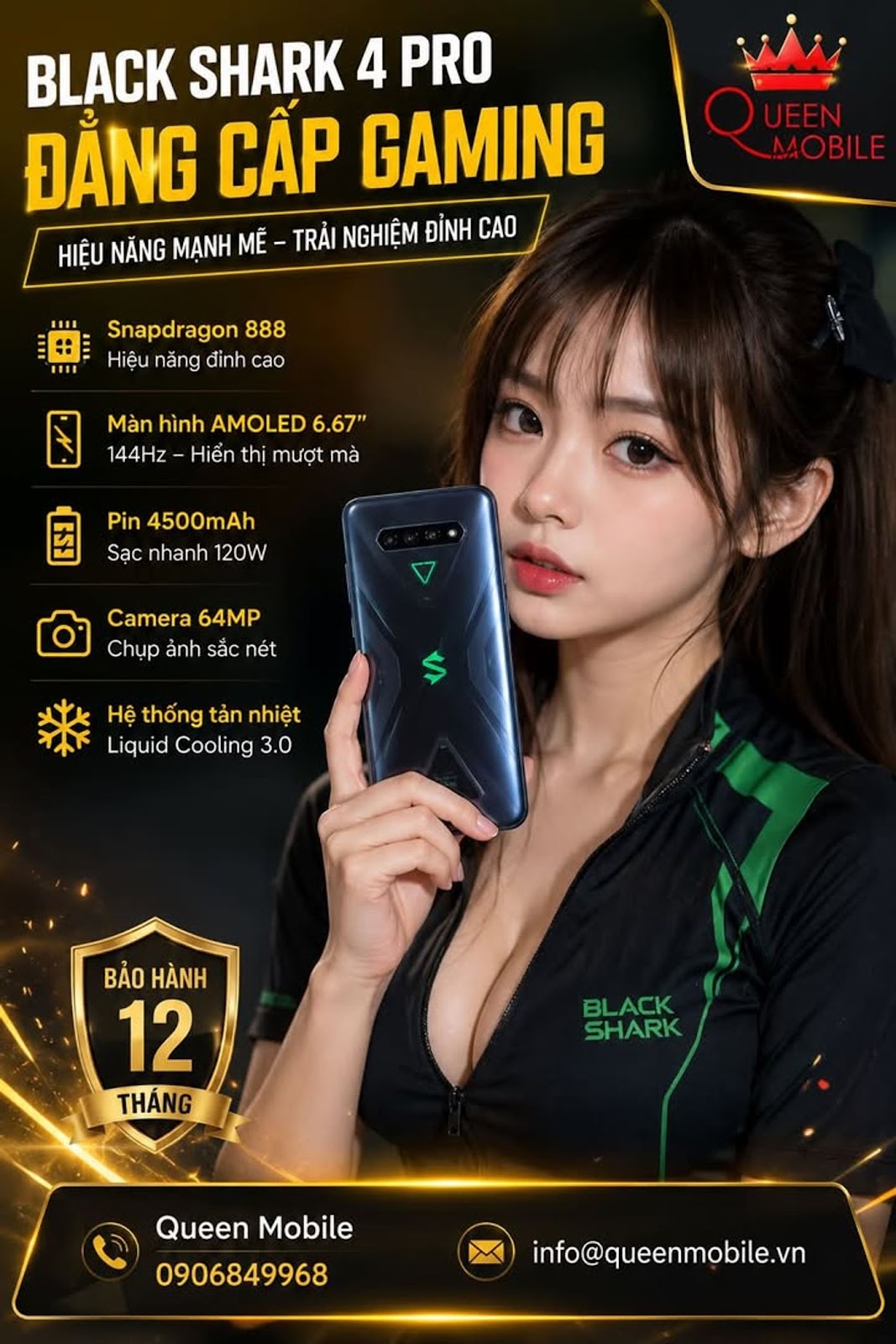
#BlackShark4Pro #BlackShark #JOYUI #Android #Snapdragon888 #GameMobile #LibmainSo #LoiAndroid #QueenMobile #TimKiemTop
🤔 Just because of a libmain.so error message, many people quickly concluded that the Black Shark 4 Pro's motherboard was broken. Is this the reason why many people spend money to repair their devices unjustly even though the actual error is only in the application?
On June 30, 2026, many domestic Black Shark 4 Pro users reported that when opening an application or game, a notification appeared.
Failure to initialize
Failed to load libmain.so
java.lang.UnsatisfiedLinkError dlopen failed library libmain.so not found
At first glance, this message makes many people think that the device's hardware or memory has a problem. However, in reality, this is almost always an error related to the software, the application installation process or the compatibility between the application and the operating system.
What is libmain.so
libmain.so is an Android Native Library. When an application or game is started, Android loads this library to execute code written in C or C++.
If Android cannot find this library or the library does not match the device's CPU architecture, the application will stop immediately upon opening.
📱 Error illustration
Failure to initialize
Failed to load libmain.so
java.lang.UnsatisfiedLinkError
dlopen failed
library libmain.so not found
The most common causes
Cause Common level Possible remedy
Download APK missing data Very High Very Easy
Missing OBB or Asset Pack file Very High Easy
Modified APK or Cao Easy mod
Wrong CPU architecture Medium Easy
Not compatible with domestic JOYUI Medium Medium
Root or Magisk causes conflict Low Medium
Hardware failure Very low Difficult
It can be seen that hardware-related causes are almost at the bottom of the list.
Why is the domestic Black Shark 4 Pro easier to find?
The domestic Black Shark 4 Pro uses the JOYUI operating system for the Chinese market.
Some international applications are optimized for
* HyperOS
* MIUI
* Global ROM
While JOYUI may differ in system libraries, security mechanisms or file permissions, causing some applications to fail to start properly.
Incomplete APK installation is the most common cause
This is the error that appears most often.
For example
* Only install APK file but missing OBB data.
* Mistakenly installed APK instead of XAPK or APKM.
* The downloaded file is corrupted.
* APK has been edited.
Then Android will not find the libmain.so library and immediately report an error.
CPU architecture is also an important factor
Black Shark 4 Pro used
Component Parameters
Snapdragon 888 chip
ARM64 CPU
ARM64-v8a architecture
If you install the application, it only supports it
* x86
* armeabi-v7a không đầy đủ
thì ứng dụng có thể không chứa đúng thư viện dành cho Snapdragon 888.
Nếu là game Unity
Nhiều game Unity sẽ xuất hiện lỗi này khi
* Thiếu file OBB.
* Thiếu thư viện libmain.so trong thư mục arm64-v8a.
* Gói cài đặt bị lỗi.
* Game bị mod.
Đây là nhóm lỗi được ghi nhận rất nhiều trên các diễn đàn Android.
Root và Magisk cũng có thể là nguyên nhân
Nếu thiết bị đã
* Unlock Bootloader
* Root
* Magisk
* LSPosed
* Zygisk
một số ứng dụng ngân hàng, game hoặc phần mềm bảo mật có thể từ chối nạp thư viện Native và sinh ra lỗi tương tự.
Các bước xử lý theo thứ tự
Bước Mức độ ưu tiên
Xóa dữ liệu và Cache ứng dụng ⭐⭐⭐⭐⭐
Gỡ hoàn toàn rồi cài lại ⭐⭐⭐⭐⭐
Kiểm tra đúng phiên bản ARM64-v8a ⭐⭐⭐⭐
Cài đúng XAPK hoặc APKM ⭐⭐⭐⭐
Tải từ Google Play hoặc TapTap ⭐⭐⭐⭐
Kiểm tra Magisk hoặc Root ⭐⭐⭐
Cập nhật JOYUI ⭐⭐⭐
Cài lại ROM nếu nhiều ứng dụng cùng lỗi ⭐⭐
Khi nào nên nghi ngờ lỗi phần cứng
Chỉ nên nghĩ đến khả năng hỏng phần cứng nếu
* Mọi ứng dụng đều báo lỗi giống nhau.
* Máy liên tục treo khi khởi động.
* Bộ nhớ trong xuất hiện lỗi đọc ghi.
* Không thể cài bất kỳ ứng dụng nào.
Nếu chỉ một hoặc hai ứng dụng báo lỗi thì gần như chắc chắn nguyên nhân nằm ở chính ứng dụng hoặc gói cài đặt.
Chi phí sửa chữa
Trong phần lớn trường hợp, lỗi libmain.so không phát sinh chi phí sửa chữa vì chỉ cần cài đúng phiên bản ứng dụng hoặc cập nhật phần mềm hệ thống.
Nếu sau khi đã thử đầy đủ các bước mà lỗi vẫn xuất hiện trên nhiều ứng dụng, người dùng nên mang máy đến trung tâm kỹ thuật để kiểm tra bộ nhớ UFS hoặc cài đặt lại ROM gốc.
Nếu cần kiểm tra trực tiếp Black Shark 4 Pro nội địa, cài đặt ROM, xử lý lỗi phần mềm hoặc kiểm tra phần cứng, bạn có thể mang máy đến Queen Mobile
📍 211 Đường 3/2, Phường 10, Quận 10, TP.HCM
📞 0906849968
#BlackShark4Pro #BlackShark #JOYUI #Android #Snapdragon888 #LibmainSo #GameMobile #SuaLoiAndroid #QueenMobile #CongNghe #TimKiemTop