#GoogleHealth #Google #AICoach #Gemini #Fitbit #PixelWatch #SucKhoeSo #TriTueNhanTao #AI #Wearable #CongNghe #GoogleHealthCoach
AI Coach was once placed at the center of the health experience by Google, but when users themselves want to hide AI advice from the home screen, is this a signal that AI is starting to appear too much in places where people just want to see their data?
1. Google Health adds permission to hide AI Coach from Today
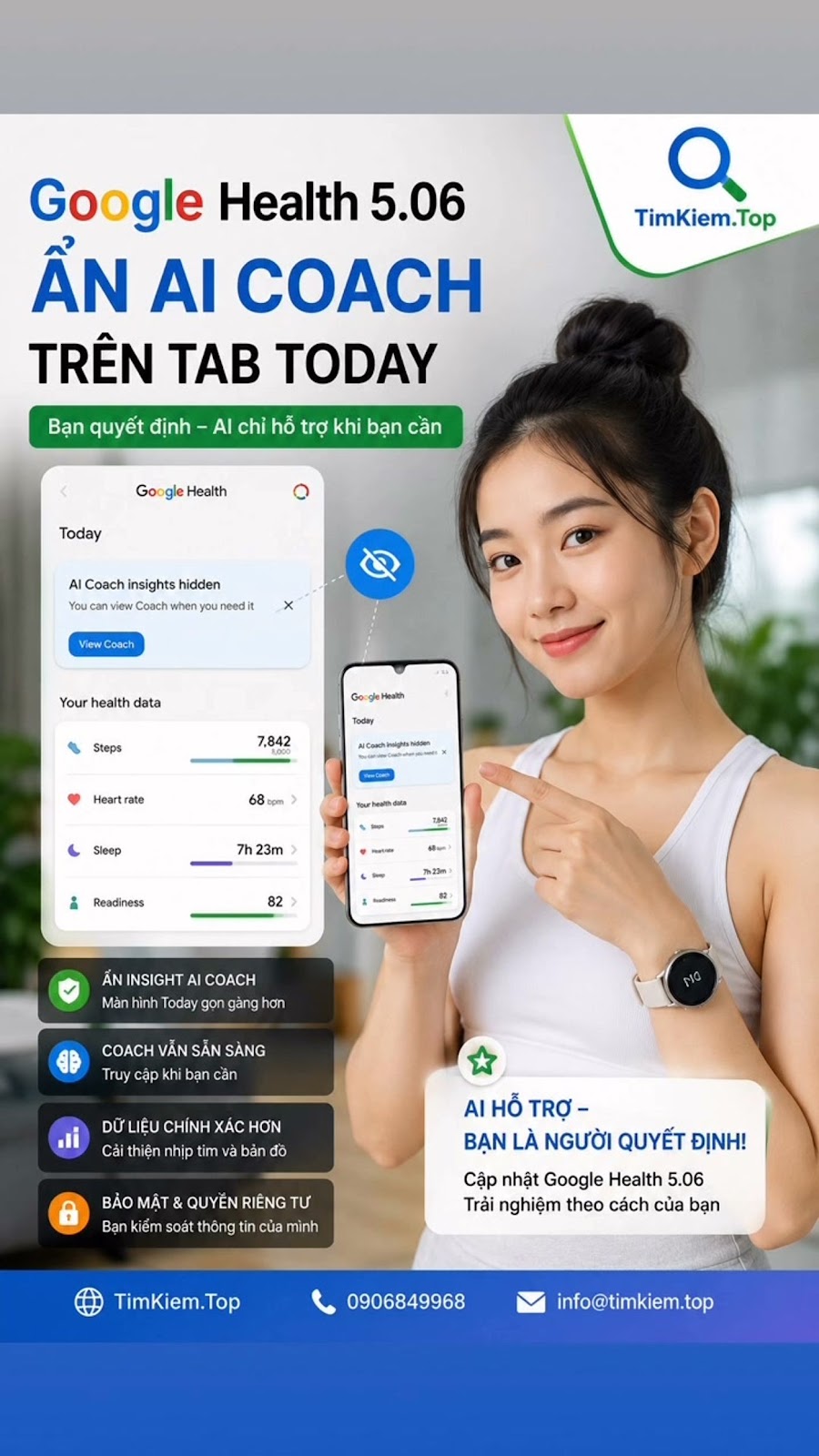
Google Health is rolling out a notable change in version 5.06, allowing users to remove AI Coach insights from the Today tab. The important point is that this action does not mean completely removing AI Coach from the application. Users can still access the Coach feature when needed, while the Today screen becomes more focused on health and activity data. (TechRadar)
The change seems small but solves a big user experience problem. AI Coach is designed to proactively analyze data, provide comments and suggestions based on activity, sleep as well as health information that the system is allowed to use.
Google describes Health Coach as a tool built with Gemini, capable of providing personalized insights based on user data. (Google Health App)
But that same proactiveness also creates debate. People who open health apps don't always want to be evaluated by AI. In many cases, users freezeYou simply want to see your steps, sleep, heart rate, readiness level or workout results.
2. Previously, users could not simply remove the AI section from Today
What makes the new update notable is the change from the previous experience.
On June 5, 2026, a Google Health Community specialist replied to a user that there was no way to actually turn off Personal Health Coach, instead users could only customize the Coach. This person wants the first screen to mainly display a list of health indicators and does not want AI Coach comments to appear continuously. (Google Support)
Another discussion on Google Health Community showed similar confusion. There are instructions for going into privacy controls to turn off Google Health Coach, but some users later reported that the AI content still appeared. By June 4, Google Health community specialist said there was no way to remove the Ask Coach window from the app and asked users to send feedback. (Google Support)
Therefore, the ability to hide Coach insights from Today in version 5.06 is more meaningful than a simple interface change.
Content Previous Experience Google Health 5.06
Insight AI Coach on Today Difficult to completely remove from the main experience Can be hidden
Accessing Coach after hiding AI insights that are still deeply embedded in the Coach interface can still be accessed
Health data on Today Split space with AI content Could focus more on data
Right to control tMore limited experience More flexible
AI Coach is designed to be very proactive. Users have more power to decide the level of appearance
3. This is not the death button for AI Coach
It is necessary to distinguish clearly between hiding insights and disabling the entire AI Coach.
According to available information, Google is not removing Health Coach. AI remains an important part of the Google Health ecosystem. Users can hide Coach content from Today but still access Coach in other areas, including Fitness. (TechRadar)
This is essentially a more streamlined model in terms of interface.
People who want AI support still have AI.
People who just want to see data don't need to accept AI advice every time they open the app.
And users can proactively choose when to interact with Coach instead of having Coach always be a prominent element of the home screen.
4. Why does AI Coach cause controversy?
AI Coach is not an ordinary chatbot placed next to a health application. Google builds experiences so that Coach can understand the user's goals, plan, interpret metrics, and provide insights based on the user's context.
Right from the previous new generation Fitbit design, the Ask Coach button has been included in many areas of the app instead of being limited to a separate AI tab.
This is a strong point but at the same time creates risks in terms of experience.
If AI truly understands data properly, proactive advice can be very useful. But if the comment is repetitive, out of context, or appears at a time when the user does not want to receive advice, a tSmart features can easily become an annoying factor.
Google Health Community has appeared to reflect on AI Coach evaluating the same workout session multiple times in a short period of time and changing the evaluation content. This is a user reflection, not an official conclusion that the entire system has a similar error. (Google Support)
Another discussion noted a case where Coach provided guidance on symptom recording functionality that the actual app did not provide in the way the AI described. A Google Health Community specialist later confirmed this discrepancy. (Google Support)
That's why AI control becomes important in an application that processes health data.
5. The bigger story is not how powerful AI is, but whether users have the right to refuse
The consumer AI race is moving into a new phase.
The first phase focuses on the question of what AI can do.
The next phase will likely focus more on a different question. Users can decide where, when, and to what extent AI appears.
For health applications, this issue is even more sensitive. A person might want the AI to analyze sleep in the morning but not want to see that comment every time a step count is checked. Another person may want an AI workout plan but want to read body metrics themselves without receiving additional reviews.
Google also states that users control who has access to their health information and that Fitbit health and wellness data is not used for public purposes.cough Google Ads. (Google Health App)
Therefore, control over how AI appears on the interface is also a logical part of the philosophy of data and experience control.
6. Google Health 5.06 also fixes errors related to map data
In addition to changes to AI Coach, version 5.06 also includes fixes to improve the accuracy of map-related data, such as heart rate and pace information during activity tracking. (TechRadar)
Change Impact
Hide AI Coach insights from Today Home screen is more compact
Coach remains accessible No loss of AI functionality
Map data fixes Improved activity tracking experience
Improved heart rate and pace associated with the map Training data can be displayed more accurately
Rolling out in waves Some devices or accounts may not see the option right away
According to current reports, not every user will see the new option immediately, suggesting that the feature may be being rolled out server-side by Google in batches. (TechRadar)
7. A small hidden button but raises huge questions about the future of AI
Google is not giving up on AI Coach. On the contrary, Health Coach remains one of the important components of the Google Health strategy.
What has changed is the right to choose.
The most useful AI is not necessarily the one that appears the most. A good system must also know when users don't need it.
The fact that Google Health 5.06 allows the removal of AI Coach insights from Today can therefore be considered a notable adjustment step. ReplaceBy forcing AI to constantly stand between users and their own data, Google is giving some of the decision-making power back to users.
And this is the most controversial question. As AI increasingly creeps into phones, watches, health apps and personal lives, should an AI off or hide button become a default user permission on every platform?